Personal access
One account for everyday questions, drafts and quick edits.
- AI chat with saved history
- Text drafting and rewriting
- Image generation and basic editing
- Summaries of pages and documents
One mobile app for AI chat, writing, images and summaries — on the phone you already carry.
Ask in plain language and keep the thread going. Follow-up questions stay in context, so you refine an answer instead of starting over.
Drafts emails, captions, listings and short articles from a one-line brief. Rewrite the same text shorter, warmer or more formal without retyping it.
Make an image from a description, then edit what came back — change the background, restyle it, or clean up a photo you already have in your camera roll.
Paste a long page, a document or a transcript and get the points that matter, in the order they matter.
Saved prompts, reusable templates and a searchable history, so the task you do every week takes two taps the second time.
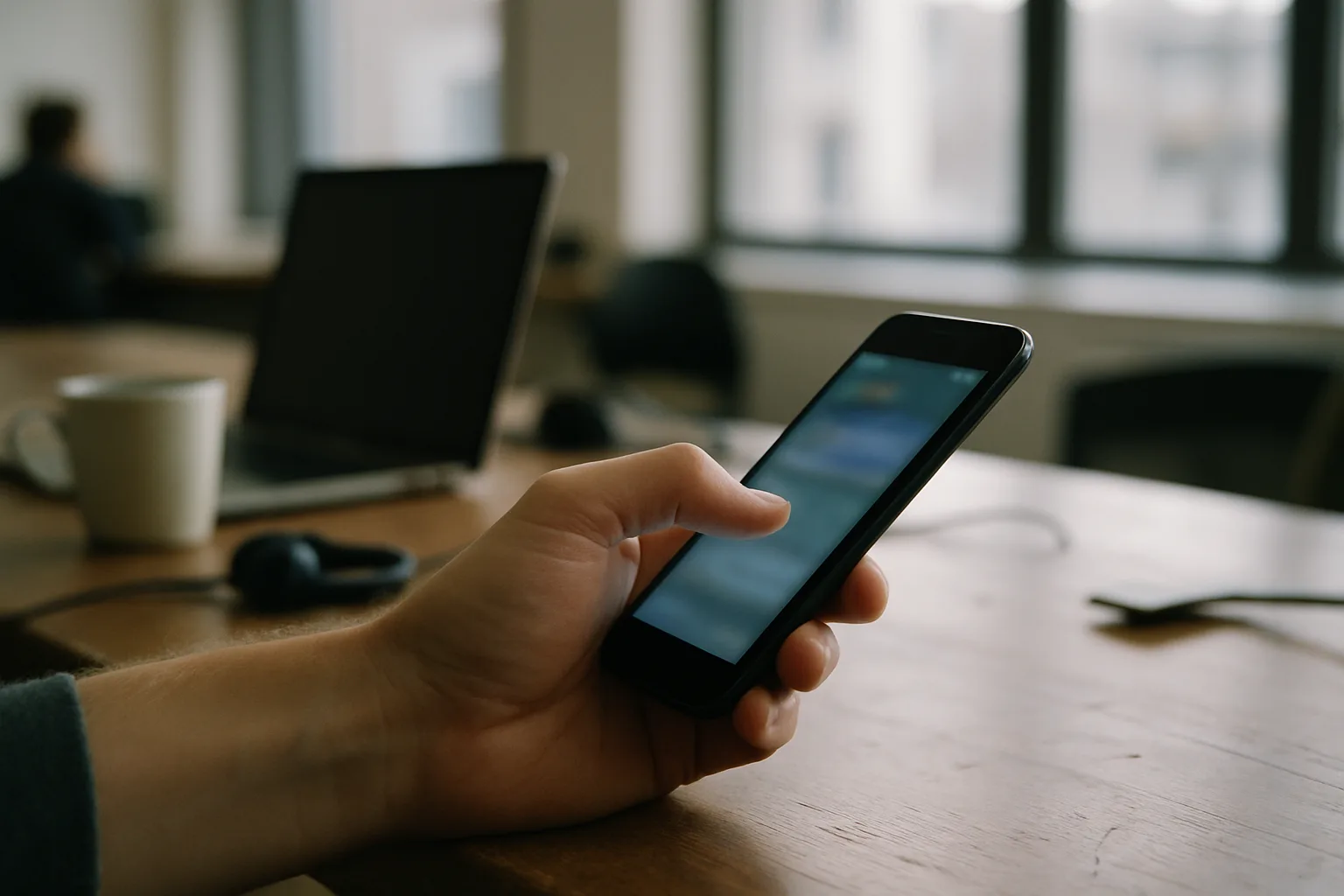
What it looks like in the hand, on an ordinary day.

Tell us which of these fits and we will set it up with you.
One account for everyday questions, drafts and quick edits.
For people producing captions, listings and visuals week after week.
Shared setup for a small team, with one place to manage who has what.
When the tools need to match your own workflow or wording.
Plans and terms are confirmed in writing before anything starts.
Name, email and a line about what you want the app to take off your hands.
We ask what you write, edit or look up most, and say plainly which parts the app handles well.
You get access on your own phone and run your real tasks through it, not a demo script.
We load your prompts and templates, walk through the settings once, and you keep working.
I write product descriptions all day. I give it the specs, it gives me three versions, I pick one and edit a word. That is the whole job now.
The summaries are the part I use most — I paste a long report on the train and arrive knowing what is in it.
Generating an image and then fixing the background in the same app saved me switching between two others.
Yes. The chat, generation and summarising all run on our servers, so the app needs a connection to answer. Your saved prompts and history stay visible offline.
They belong to you. Your history sits in your account so you can search it later, and you can delete a thread or the whole history from the app. The privacy page linked in the footer sets out the detail.
That depends on the plan you take, and we confirm it in writing before you start rather than leaving you to guess from a footnote.
Yes — team access puts multiple seats under one account with a shared prompt and template library. Ask about it in the form and we will walk you through how it is managed.
It chats, drafts and summarises in the language you write in, and will rewrite the same text in another one. Tell us the languages you work in and we will test them with you on the call.
Leave your name and email and tell us what you would use it for. We will come back to you.
Thank you — someone from the team will get in touch shortly by email.
This page uses cookies for analytics and advertising measurement only after you give your consent. Learn more